01
Automatic APK Builder
Configure your server and branding once, then build a signed Android APK through ROCode's multi-builder pipeline. Future APK updates stay connected to the same licensed app identity.
Multi-Builder · Signed APK · Auto Update
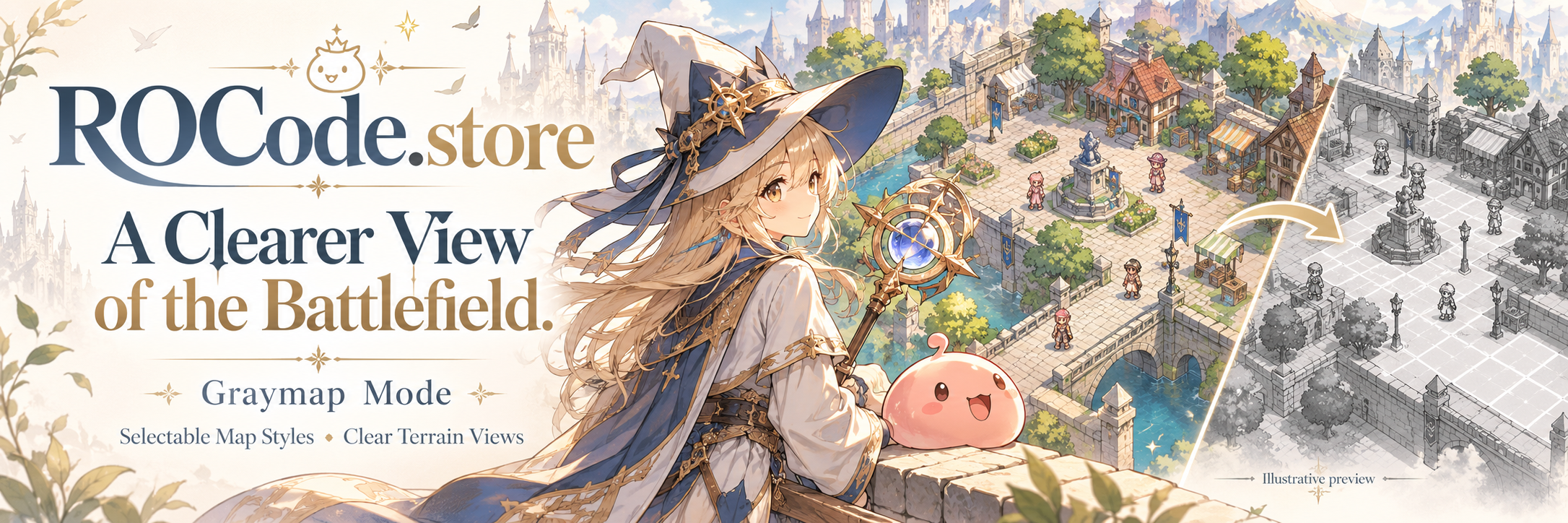
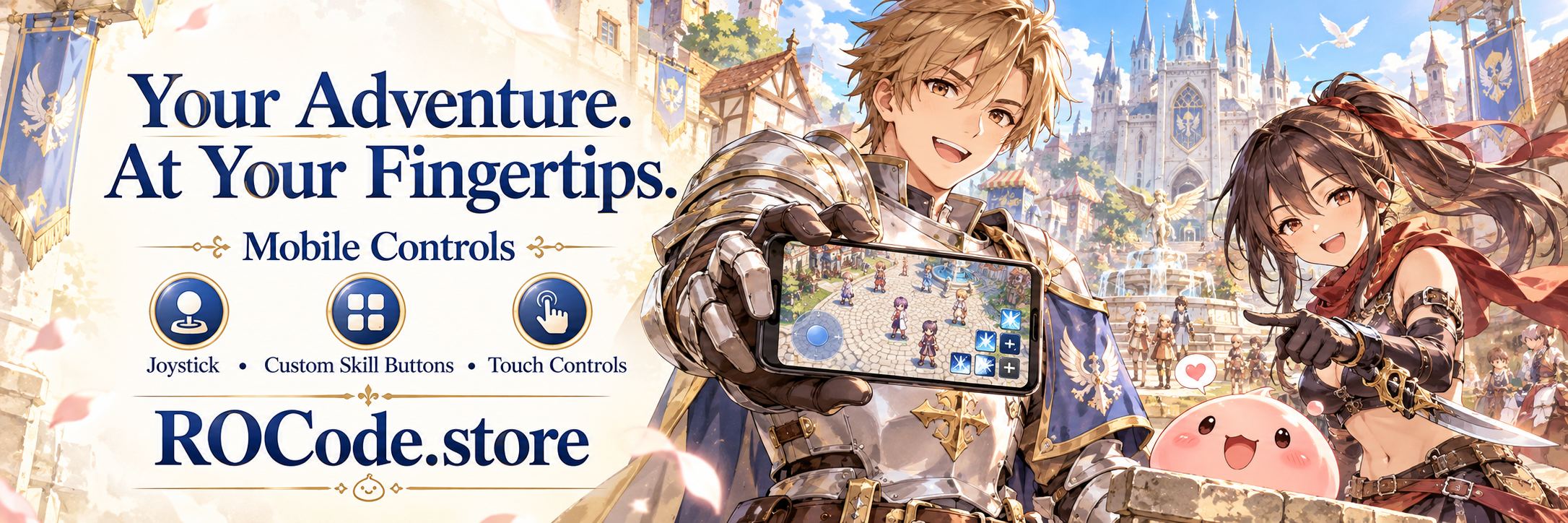
Build a branded Android APK for your Ragnarok server, let players select or download GRF files, deliver updates through THOR, manage licensing, and keep your app current without asking players to reinstall every time.
ROCode.Store combines the parts that normally require separate tools into one owner workflow—from app creation and game files to updates, branding, controls, and server licensing.
Configure your server and branding once, then build a signed Android APK through ROCode's multi-builder pipeline. Future APK updates stay connected to the same licensed app identity.
Multi-Builder · Signed APK · Auto UpdateAutomatically identify rAthena or Hercules source families before patching, including fresh, old, and customized source layouts with Gepard-aware handling.
rAthena · Hercules · Adaptive DetectionUse your own main.ini and customer-hosted THOR repository. Remote plist.txt is authoritative, active patch IDs run from lowest to highest, and lines beginning with // are ignored.
main.ini · Remote plist.txt · No APK Rebuild for File PatchesManage Android headgear entries and patch accessoryid plus accname files into a validated ID-to-sprite mapping for supported hat visuals.
HatTable · accessoryid · accnameUpload an existing iteminfo.lua and create an Android-ready patched output while preserving the customer's top-level item table and source file.
iteminfo.lua · Safe Output · Original PreservedSupport an existing game-data folder or configured GRF download workflow, with owner tools for managing the client data required by the Android release.
GRF Folder · Download · Client DataTouch-first controls, targeting tools, custom floating buttons, orientation-aware layouts, performance tuning, GPU rendering, and supported high-refresh modes.
Touch Controls · NO-LAG · 90/120/144HzKeep each Android release connected to its licensed server configuration, rAthena/Hercules source workflow, binding status, build history, and owner tools.
Binding · Server Setup · Owner ToolsGive your server its own app name, icon, splash screen, package identity, and branded Android presentation without maintaining a separate build system.
App Name · Icon · Splash · PackageFollow the customer setup flow for server configuration, APK building, emulator source patching, GRF setup, HatTable, THOR updates, and future APK releases.
Guided Setup · Owner DocumentationThe production analyzer identifies emulator family and source profile before patching, helping prevent a customer source from being handled like the wrong generation or wrong emulator.
The analyzer is built around generation-aware and customization-aware detection for both supported emulator families, with safety checks before source changes are applied.
Use one owner workflow for the Android build, source integration, client data, THOR updates, HatTable/ItemInfo tools, licensing, and future releases.
Create or renew the license that will own this server/app/package identity.
Enter app name, package, IP, ports, branding, GRF data, and supported runtime details.
ROCode prepares the production app and publishes the signed release to the customer dashboard.
Patch emulator/client data, configure HatTable or ItemInfo when needed, publish game files through THOR, and use APK Update for future Android releases.
Keep the player experience flexible across supported phones and emulators while ROCode adapts rendering, refresh options, and game-data access to the device.
Designed for supported Android phones and common PC Android emulators such as Nox and BlueStacks.
Phone · EmulatorExpose high-refresh options only when the device display reports support, including 90Hz, 120Hz, and 144Hz classes.
60 · 90 · 120 · 144HzGPU-accelerated rendering and device-aware performance behavior help keep gameplay responsive without forcing one fixed profile on every device.
GPU · AdaptiveUse an existing GRF folder or configured download flow, with automatic path registration after supported downloads complete.
GRF Folder · DownloadSee the core controls you use after buying a license, then follow a clear path from server setup to a published Android app.
Your license opens the owner workflow. Complete each stage once, then return to the dashboard whenever you need to build, patch, check health, or publish a newer APK.
Plans and prices below are loaded from the ROCode sales database, so the storefront stays synchronized with the options currently enabled by the administrator.
Can't set up ROCode yourself? Hire us to install, configure, and integrate ROCode for your server.
Important Notice: Once the setup is completed and everything is working properly, our contract will be considered complete.
Common questions from Ragnarok server owners who are preparing an Android release with ROCode.Store.
No for normal game-file changes handled by your THOR flow. When the Android app itself has a newer build, the built-in APK update flow can detect it and guide the player through the update.
Yes. The app can support selecting an existing game-data folder or using the configured download flow, depending on the owner setup.
The Smart Source Analyzer is designed to identify rAthena or Hercules source families and choose generation-aware handling before patching.
Yes. Custom branding is part of the app setup so each licensed server can keep its own Android presentation and package identity.
Yes. With THOR Patcher, supported game-data updates can be delivered separately from the APK, making routine content updates faster and easier for your players.
High-refresh choices depend on what the device reports. ROCode can expose supported 90Hz, 120Hz, and 144Hz classes instead of showing unsupported options.
Build the Android app, connect your server, deliver GRF and THOR updates, apply your own branding, manage the license, and keep the player experience in one ecosystem.